
From prompt to publishable UGC, end to end
Most Roblox UGC tools stop at the concept image. You're left with a picture and no mesh, no rig, no Studio import. Meshlox is built for the whole pipeline: every generation produces a real 3D model with clean topology, baked textures, and the attachment points Roblox Studio expects. You can iterate in the browser, send to the Roblox Studio plugin with one click, and have your UGC accessory inside a place file within minutes.
How the Roblox UGC generator works
- Describe your accessory. Write a prompt like "stylized Roblox crown with glowing blue runes, low-poly geometry, isolated background." Mention the accessory type, silhouette, material, color palette and style anchor (anime, low-poly, fantasy, realistic).
- Pick a concept. Meshlox generates concept images you can browse. Pick the one that captures the silhouette and material you want.
- Generate the 3D mesh. The studio sculpts a real 3D model with clean quad topology and a baked texture. Live preview in the browser — rotate, zoom, inspect.
- Iterate or refine. Re-prompt to nudge the silhouette, swap palettes, or restyle. Each iteration costs credits but reuses the concept so you converge fast.
- Export to Roblox Studio. Send straight to the Meshlox Roblox Studio plugin, or download FBX / OBJ / GLB. The plugin imports with attachment points aligned to standard Roblox avatar rigs.
- Publish to the UGC marketplace. Use Roblox Studio's standard UGC submission flow. Your accessory is meshed, textured and aligned — review handles the rest.
Built for the Roblox creator workflow
Meshlox is the only AI Roblox UGC generator with a first-party Roblox Studio plugin. That matters because Roblox UGC isn't just a 3D model — it's a mesh attached to a specific attachment point on the Roblox avatar rig, with specific scale conventions and a triangle budget Roblox review enforces. Generic 3D-AI tools don't know any of that. Meshlox does.
The plugin handles attachment placement (HatAttachment, HairAttachment, FaceFrontAttachment, BodyBackAttachment, etc.), auto-scales meshes to fit standard avatars, applies the texture you generated in the studio, and sets up the accessory's CollisionFidelity and RenderFidelity defaults. You skip the tedious "did I parent this to the right thing?" stage and go straight to playtesting.
Prompt examples that actually work
The pattern that consistently produces publishable Roblox UGC: subject + style anchor + material + game context + technical tail. Always include "low-poly" or "stylized Roblox aesthetic" so the generator targets the chunky proportions Roblox players expect, and always end with "isolated background" so the concept image doesn't bake in scenery.
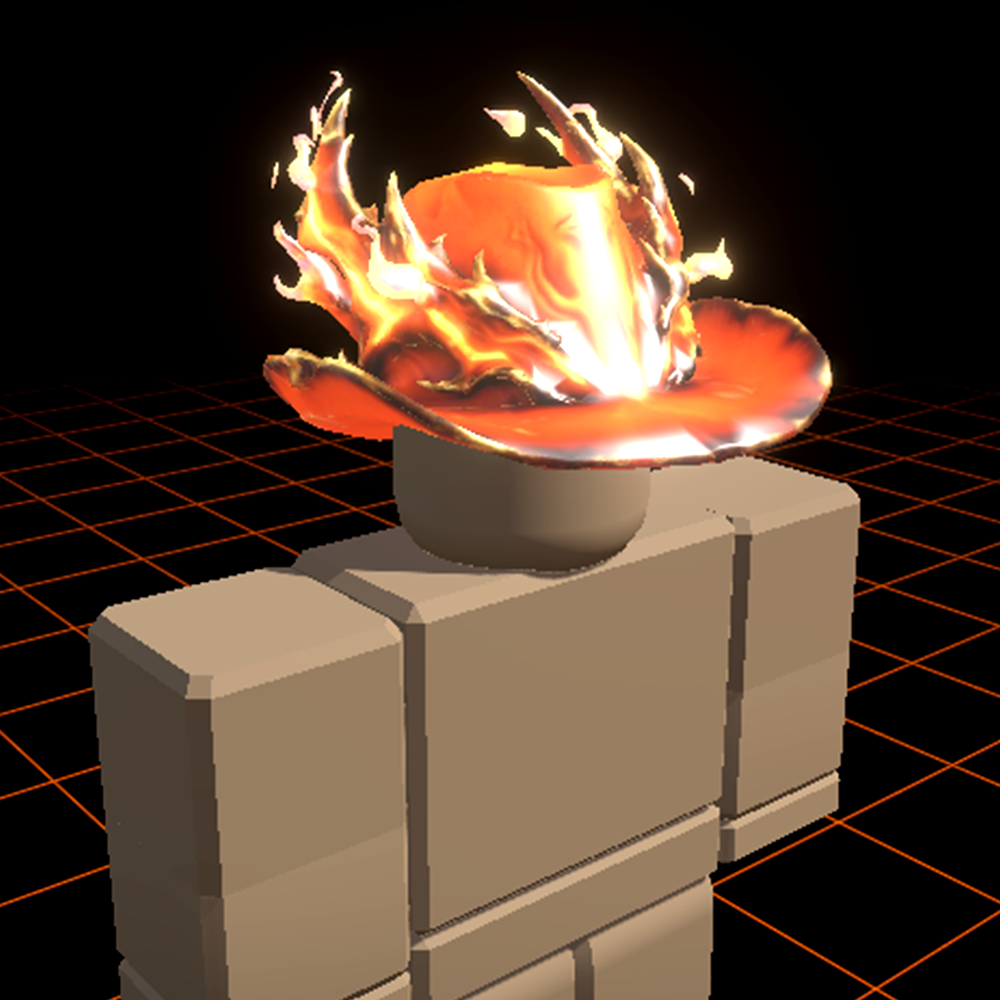
Dominus-style hat
"Roblox UGC hat, dominus-style horned crown, glowing crimson core, chunky low-poly geometry, stylized fantasy design, isolated background."
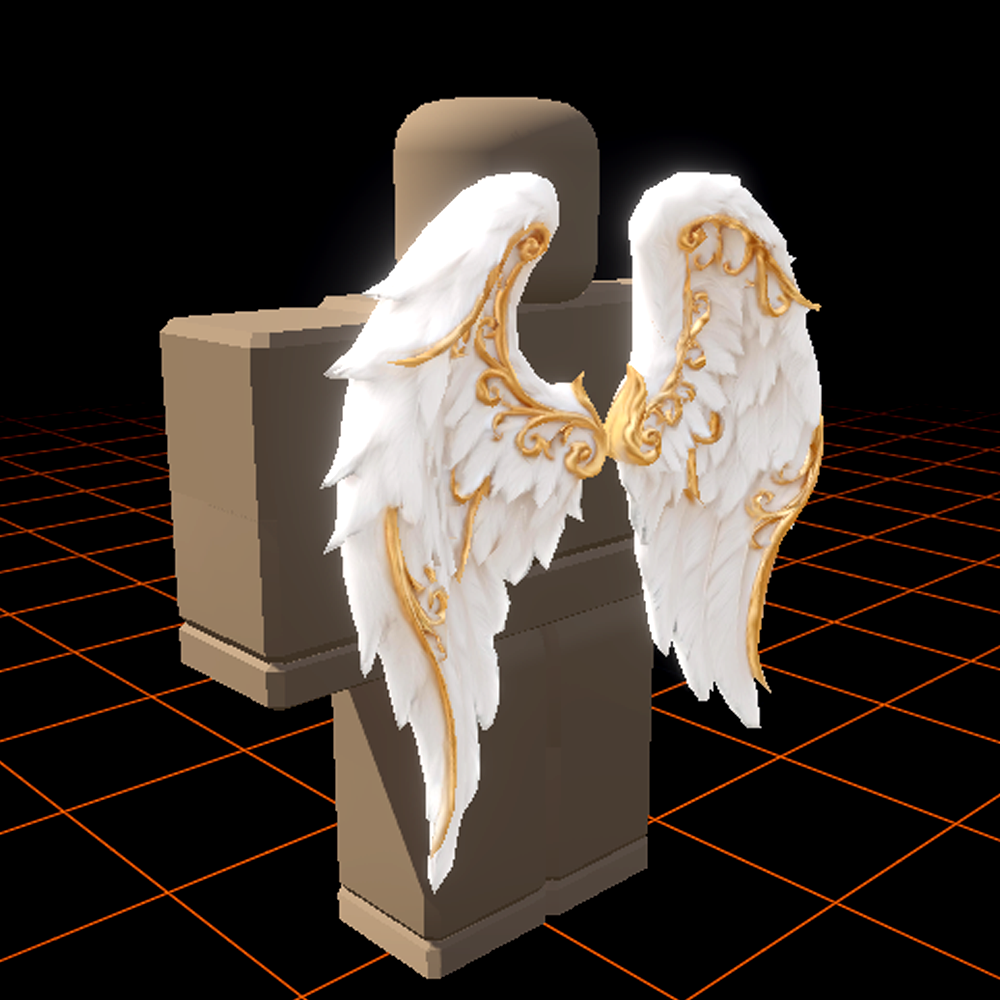
Stylized angel wings
"Roblox UGC back accessory, large angelic feathered wings, soft golden glow, clean low-poly geometry, fantasy avatar accessory, isolated background."
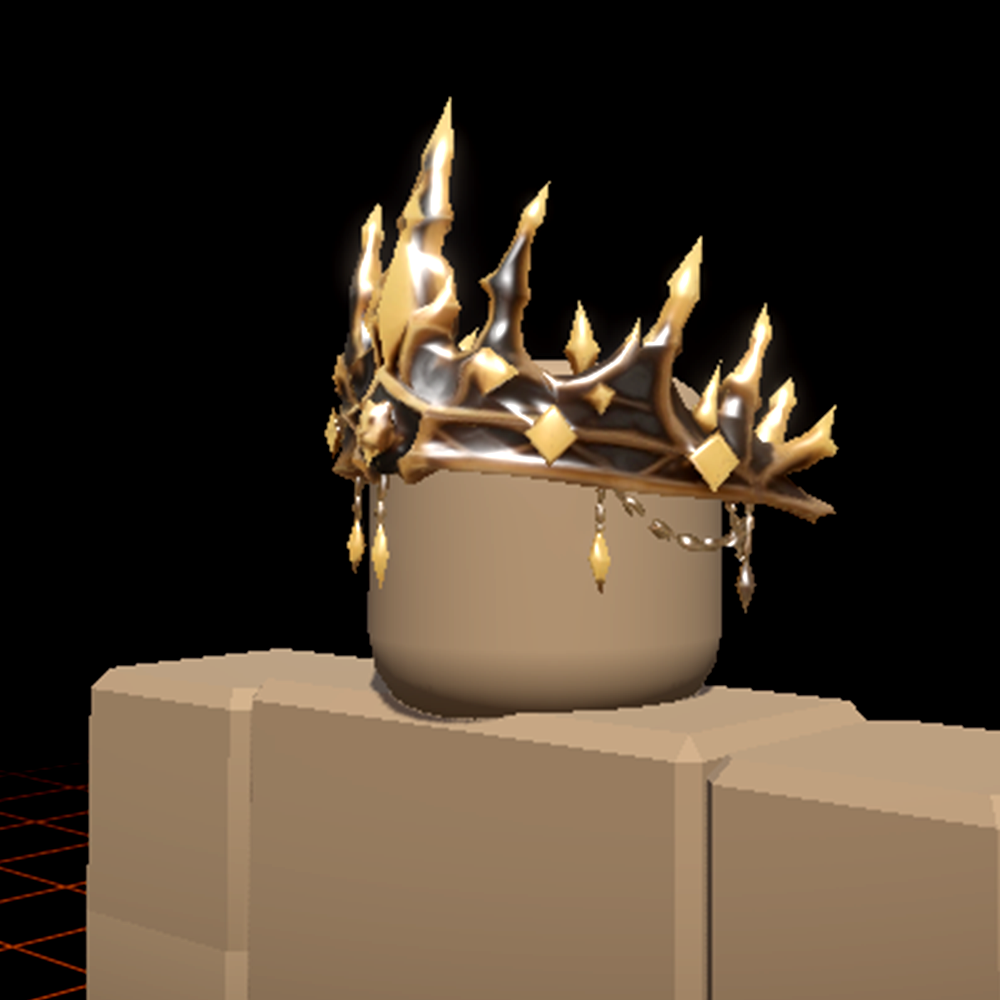
Gilded lion crown
"Roblox UGC crown, gilded lion motif, jeweled inlays, ornate fantasy royal design, low-poly Roblox aesthetic, isolated background."
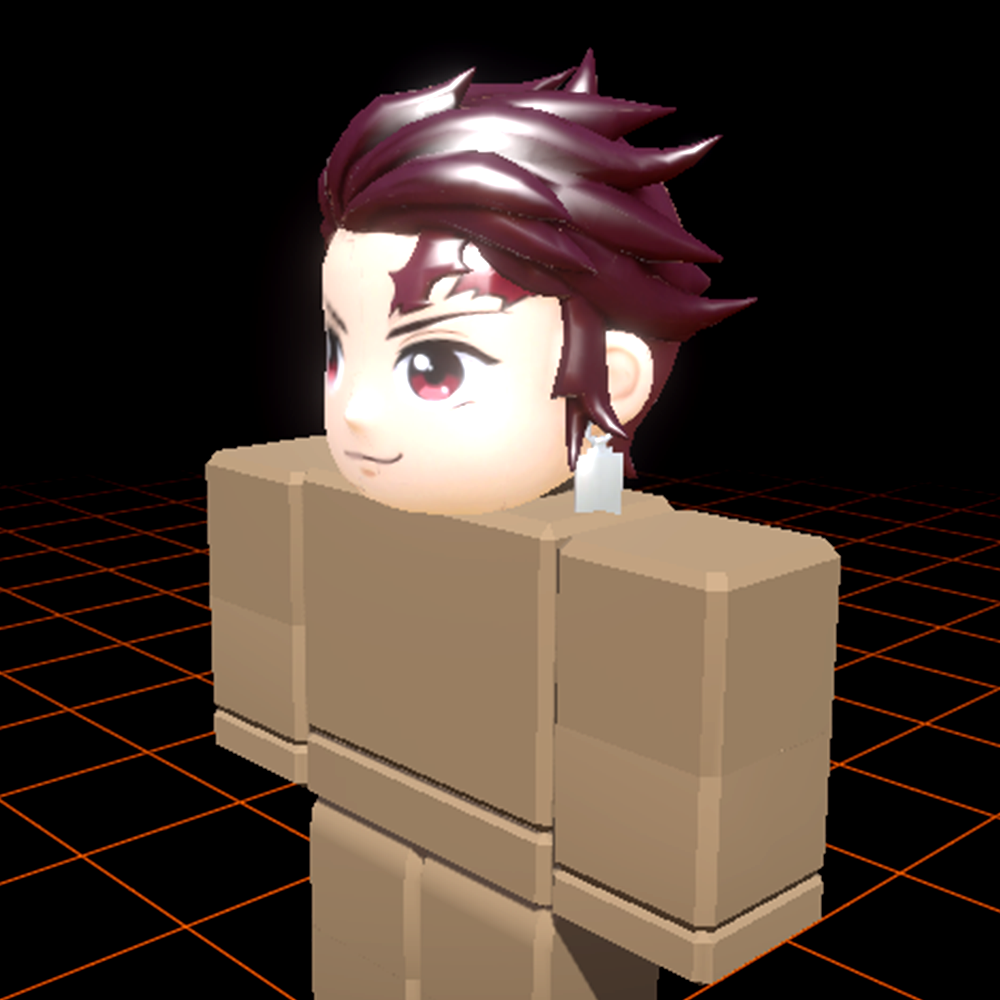
Anime hair
"Roblox UGC hair accessory, spiky anime hairstyle, deep crimson with black streaks, stylized chunky geometry, anime aesthetic, isolated background."
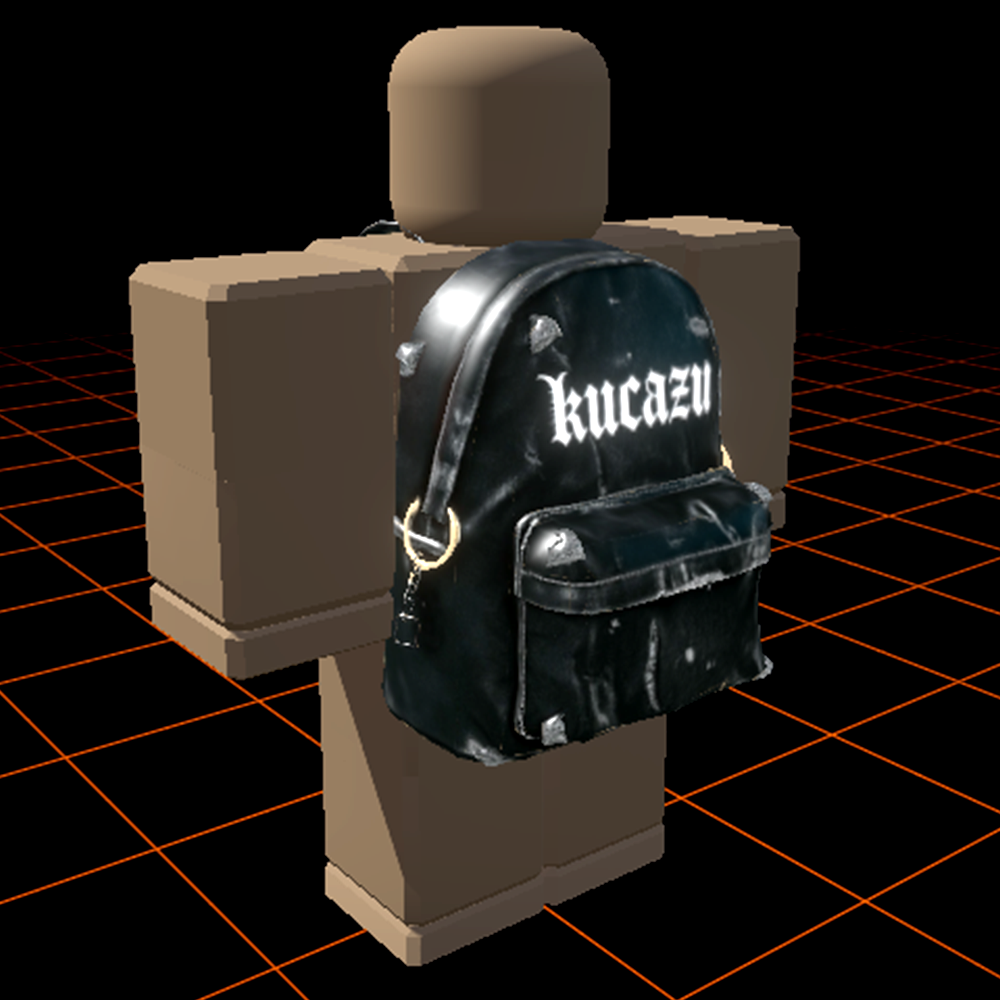
Survival backpack
"Roblox UGC back accessory, rugged survival backpack with strapped gear, weathered fabric texture, low-poly Roblox style, isolated background."
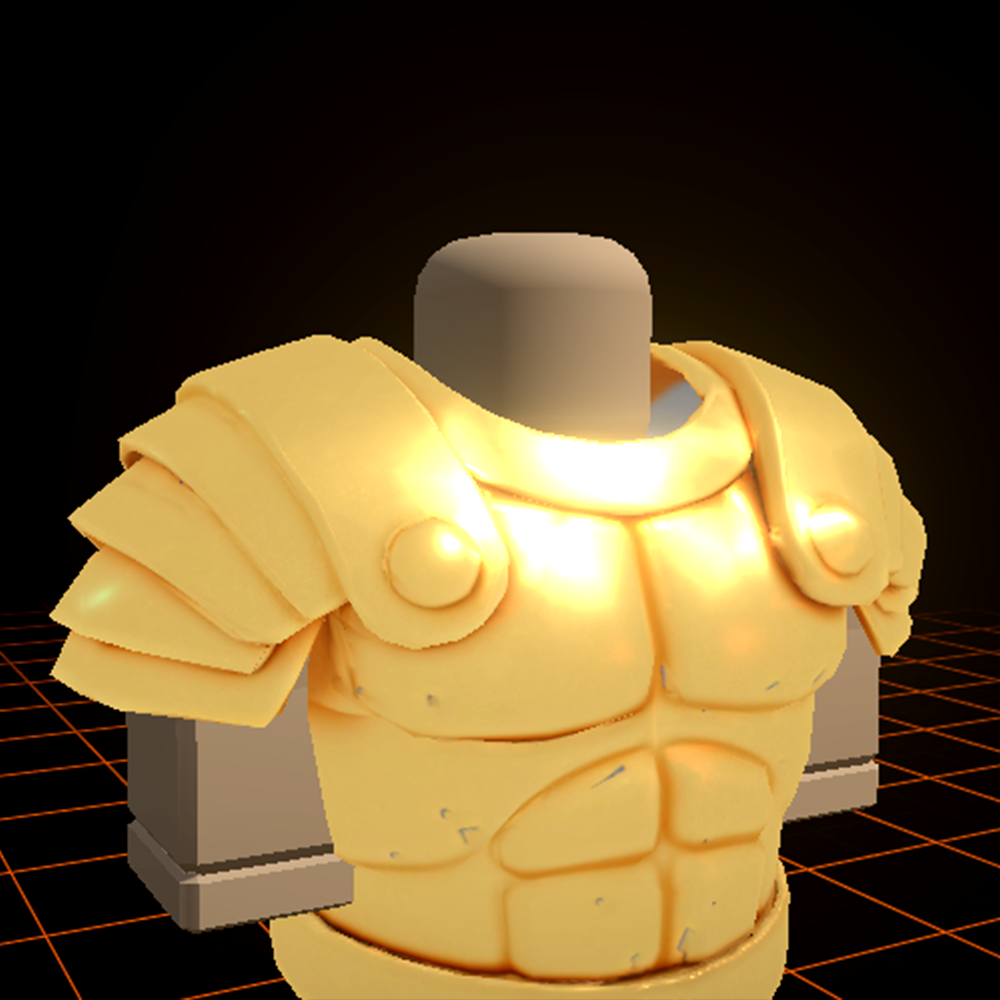
Knight armor pauldron
"Roblox UGC shoulder accessory, ornate knight pauldron, etched silver plating with blue runes, fantasy low-poly aesthetic, isolated background."
Why Roblox creators choose Meshlox
- Roblox-native output. Meshes that respect Roblox's triangle budgets and attachment conventions, not generic 3D models you have to retool.
- Studio plugin included. Zero-friction import. Generate in browser, click "Send to Studio", it's in your place file.
- Credits never expire. No subscription. Buy once, generate when you need to. Slow months don't cost you.
- Iteration is fast. Re-prompt without rebuilding from scratch — the studio reuses your concept seed so each pass converges instead of starting over.
- Built by creators. The studio's defaults — anime hair, stylized weapons, low-poly survival — match what actually sells on the Roblox UGC marketplace.