
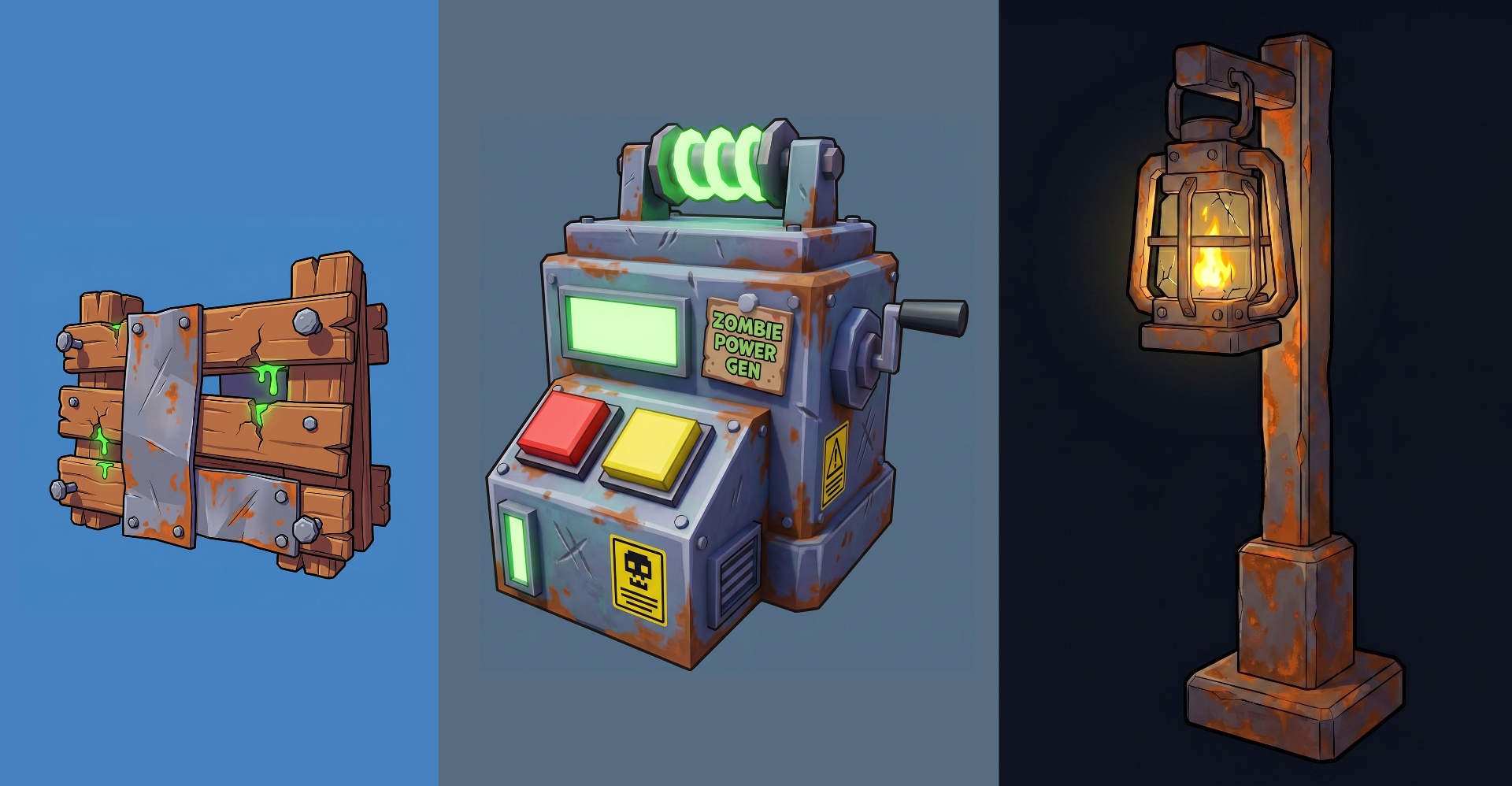
The Roblox asset stack, in one workflow
A Roblox launch isn't one asset — it's a whole stack. You need UGC accessories or game props, a game icon for the Discover feed, thumbnails for split-testing, and probably a few concept renders for marketing. Most creators wire together four different AI tools, ship inconsistent visual identity, and burn hours moving files between apps.
Meshlox runs all four pipelines in a single studio with shared style anchors. Define your palette and style once, generate the entire asset pack with matching aesthetic, and ship as a coordinated launch instead of a Frankenstein of mismatched outputs.
The four pipelines
UGC accessories & 3D props
Hats, hair, wings, crowns, backpacks, shoulder accessories, weapons, pickups, environment dressing. Real 3D meshes with clean topology and baked textures.
Game icons
512×512 Roblox game icons with the high-contrast, centered-subject composition that performs in the Discover feed. Split-test variants in one batch.
Thumbnails
1280×720 thumbnails tuned for click-through — hero subject, readable on mobile, bold backgrounds. Generate matching sets for A/B tests.
Concept art & marketing
Concept frames for accessory previews, character moodboards, social posts, place-page hero art. Use the same studio you generate from.
Why "all-in-one" matters for Roblox creators
- Shared style anchors. A single prompt vocabulary across 3D, icons and thumbnails means your accessory drop, your icon and your thumbnail all read as one launch.
- One credit pool. No juggling subscriptions across four vendors. Credits flow across every pipeline.
- One Studio plugin. The same plugin ships 3D meshes to Studio and grabs icons / thumbnails straight from the generation history.
- One history. Every generation across every pipeline is logged. You can branch off a 4-week-old icon variant or revive a deleted mesh seed.
- Roblox-aware defaults. Every output type defaults to dimensions, triangle counts and composition rules Roblox actually enforces.
A worked launch example
Say you're shipping a "Crimson Phoenix" accessory drop. The Meshlox workflow looks like this:
- Define style anchor: "crimson and obsidian, glowing ember accents, low-poly stylized phoenix theme".
- Generate the 3D set: hat, hair, wings, backpack — all four with the same anchor. Batch 4 variants per accessory, pick winners.
- Generate a 512×512 game icon for the matching place: same phoenix theme, centered subject, ember background.
- Generate 3 thumbnail variants for split-testing — different hero poses, all on the same crimson palette.
- Use the plugin to push the 3D set into Studio for upload. Download PNGs for icon and thumbnails and upload via Creator Hub.
Total time from blank prompt to publishable launch pack: a couple of hours instead of a couple of days.