
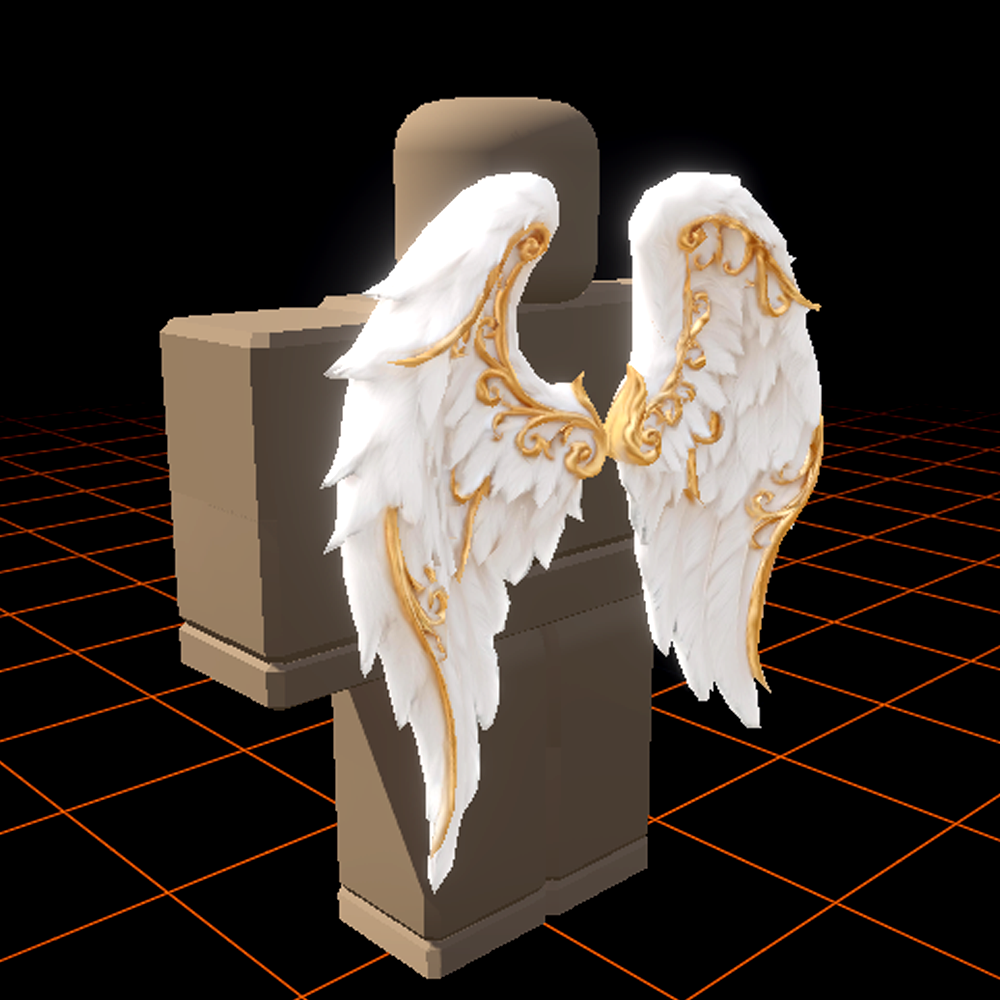
Built around the MeshPart pipeline
MeshPart is the modern Roblox surface for custom geometry — it replaced SpecialMesh for almost every workflow and powers UGC accessories, game props, and environment kits. Generating a mesh that imports cleanly into MeshPart isn't just "make a 3D model"; it's a list of requirements: triangle ceiling, consistent normals, UVs that survive Roblox's texture compression, and a pivot Roblox can scale predictably.
Meshlox builds against that list. Every export is tested against Roblox Studio's MeshPart importer and the UGC review pipeline, so the mesh that comes out of the studio is the mesh that lands in your place file.
Export formats, side by side
| Format | Best for | Carries | Notes |
|---|---|---|---|
| FBX | Studio MeshPart import | Mesh, UVs, normals, materials | Most reliable for Roblox UGC. |
| OBJ | Static props, Blender pipelines | Mesh, UVs, normals | Texture as separate file. |
| GLB | Web pipelines, three.js previews | Mesh, textures, materials inline | Self-contained; convert to FBX for Studio. |
Triangle budgets for Roblox UGC
Roblox UGC accessory review allows up to 10,000 triangles per accessory mesh, but the practical target is much lower. Mobile players make up the majority of Roblox sessions, and triangle count compounds when an avatar wears multiple accessories. Meshlox defaults pick:
- Hats & small accessories: 800–1,500 triangles. Silhouette-driven; detail comes from the texture.
- Hair: 1,500–3,000 triangles. Strand silhouettes need more geometry than rigid shapes.
- Wings & back accessories: 2,000–4,000 triangles. Span and silhouette readability matter more than per-feather detail.
- Crowns & ornate items: 2,500–4,000 triangles. Material complexity (gem inlays, filigree) often handled in texture.
Common import problems Meshlox avoids
- Broken normals on import. Caused by inconsistent smoothing groups in source FBX. Meshlox bakes smoothing per face before export so Studio shading matches the browser preview.
- Tiny or giant pivot. The generator normalizes mesh bounding boxes so the imported MeshPart lands at a sensible default size — no rescaling by 10,000x.
- Missing UVs. Every export ships pre-unwrapped. No "your mesh has no texture coordinates" errors.
- Overshooting the triangle ceiling. Live triangle count shown in the studio. Higher quality tiers cap meshes well below 10,000 so review never bounces.