
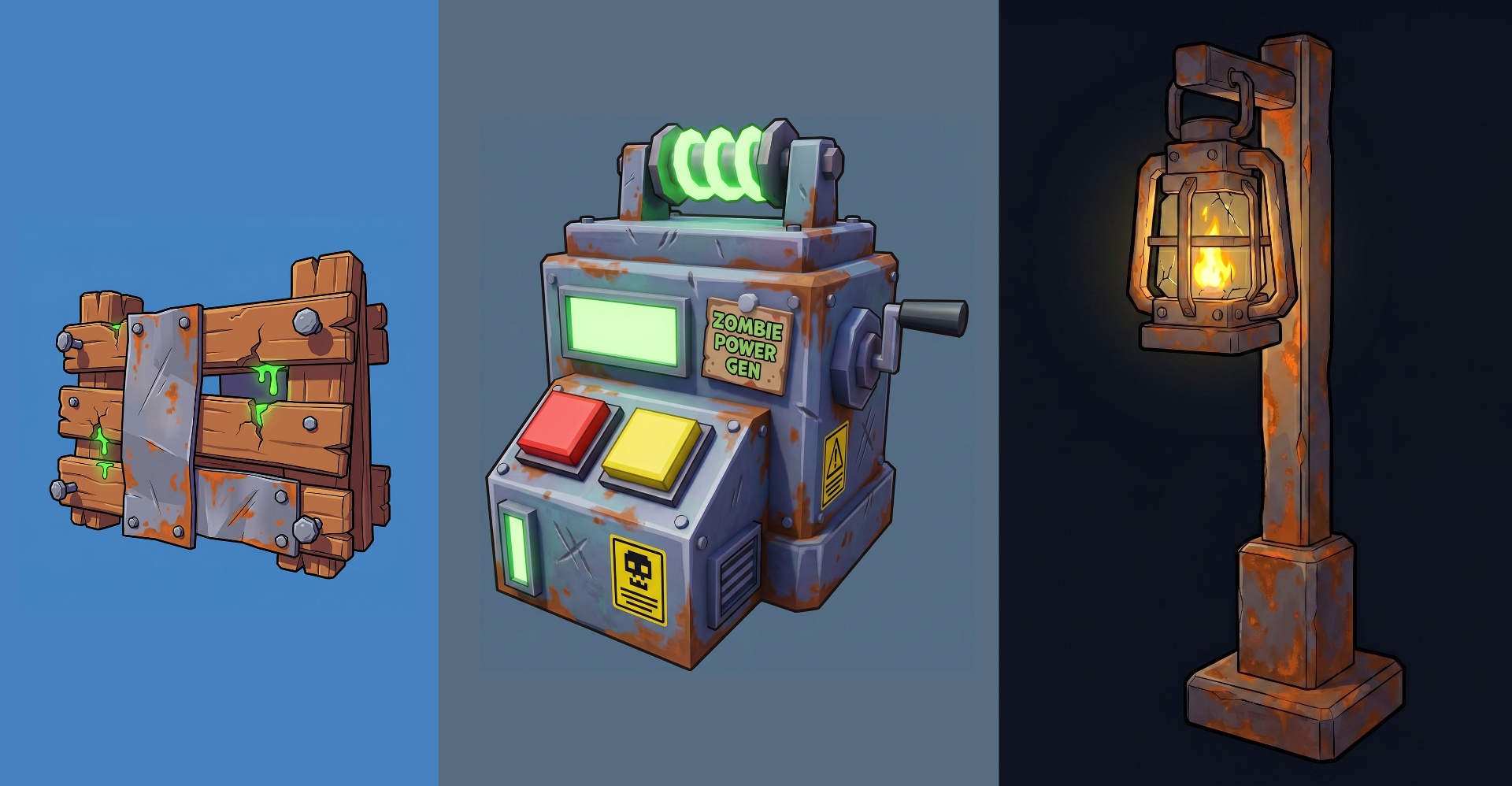
An AI studio that speaks Roblox
You can ask any general AI image tool for "a Roblox hat" and get back something that looks like a Pixar prop. Roblox has its own visual language — chunky low-poly silhouettes, flat-shaded materials, mobile-readable contrast, avatar-scaled proportions — and generic models weren't trained on it. Meshlox's pipelines were tuned on Roblox-style references, with prompt defaults and post-processing aimed at output that actually looks at home on the Roblox marketplace.
Four AI workflows in one studio
- Concept & image generation. Fast 2D iteration for accessory concepts, character moodboards, marketing art. Use it standalone or as a seed for 3D generation.
- Text & image to 3D. The core of the studio — prompt or upload a reference, get a real 3D mesh with baked textures. Inspect in-browser, iterate, export.
- Game icon generation. Roblox-aspect-ratio icons (512×512) with the high-contrast, centered-subject composition that performs in the Discover feed. See Icon Studio.
- Thumbnail generation. 1280×720 thumbnails tuned for click-through. Hero subject, bold background, readable on mobile. See Thumbnail Studio.
How prompting differs for Roblox
The biggest mistake new creators make is prompting Meshlox the same way they prompt MidJourney or Stable Diffusion. Roblox-tuned prompting follows a different pattern. Use this formula:
[subject] + [style anchor] + [material/color] + [game context] + [technical tail]

example:
"Stylized Roblox UGC crown, chunky low-poly design, gilded gold
with sapphire inlays, fantasy royal avatar accessory, clean
geometry, isolated background."
Five anchors do most of the work:
- "Roblox" or "Roblox-style" early in the prompt — pulls the model toward the right aesthetic.
- "Low-poly" or "chunky geometry" — Roblox UGC review favors clean, low-triangle silhouettes.
- A style anchor — anime, fantasy, cyberpunk, survival, kawaii. This is the biggest lever on visual identity.
- Color & material — be specific. "Glowing crimson core" beats "red".
- "Isolated background" at the end — keeps the concept image clean for downstream 3D generation.
Iteration over perfection
Meshlox treats generations as cheap drafts, not finished pieces. The studio remembers your prompt and seed so you can re-roll a texture, swap a palette, or nudge the silhouette without rebuilding the whole asset. Most publishable accessories land in 2–4 iterations — the workflow is "good fast, then better".
History panel preserves every generation so you can branch back to an earlier seed if a refinement went sideways. Nothing is lost.
Three concrete examples
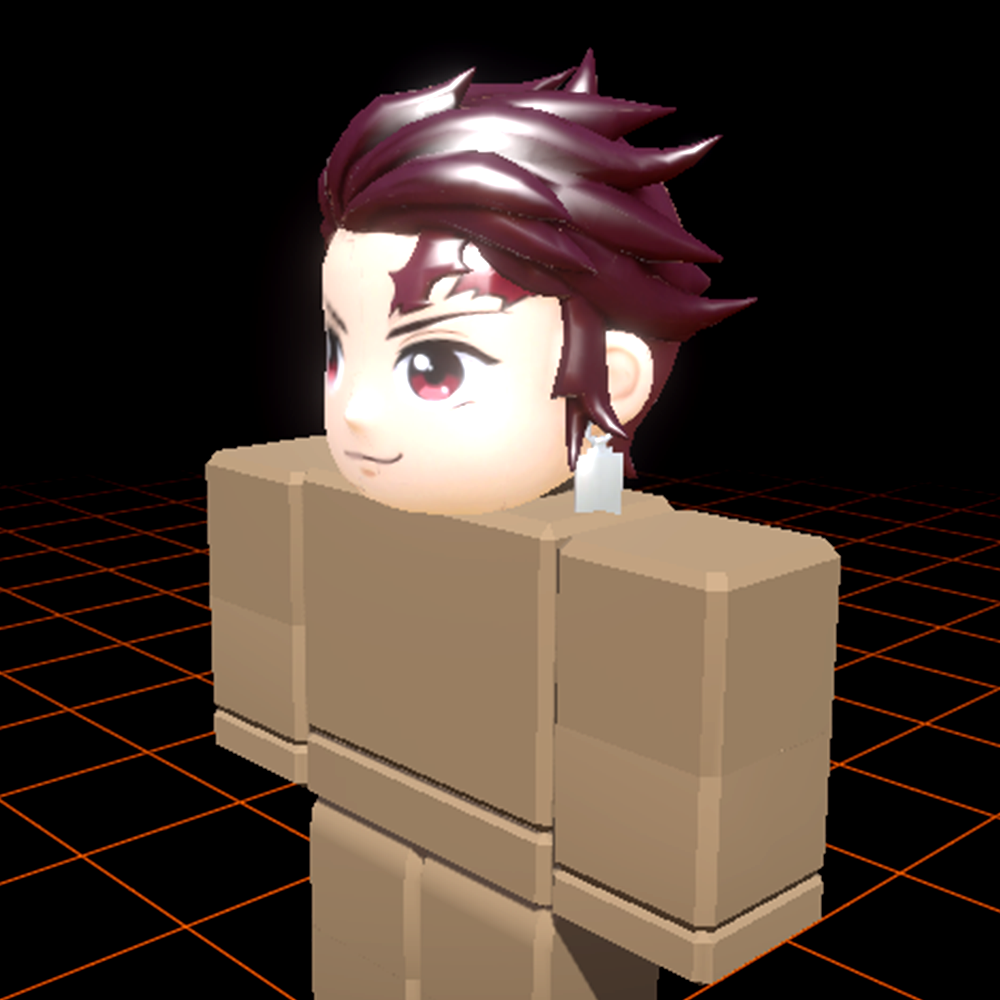
"Roblox anime hair, crimson and black, spiky chunky stylized geometry, isolated background."
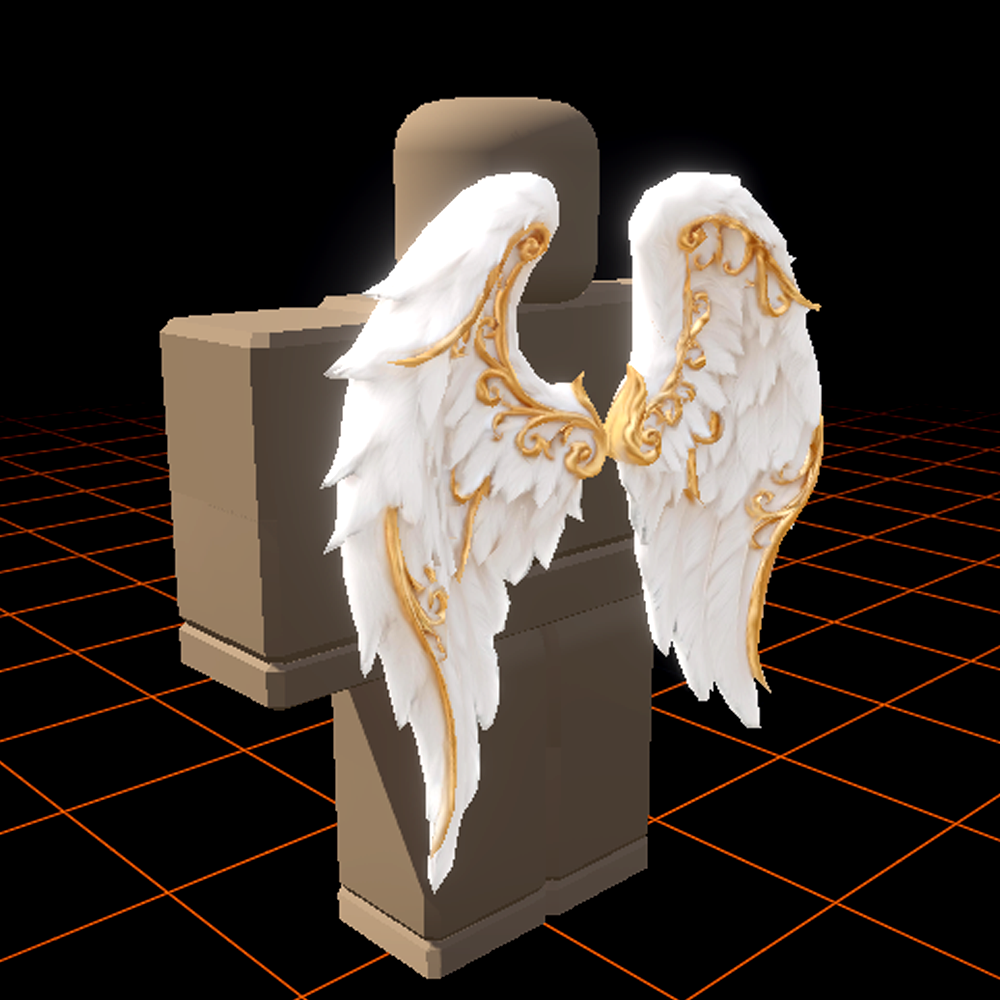
"Roblox UGC back accessory, large angelic wings, golden glow, low-poly stylized aesthetic, isolated background."
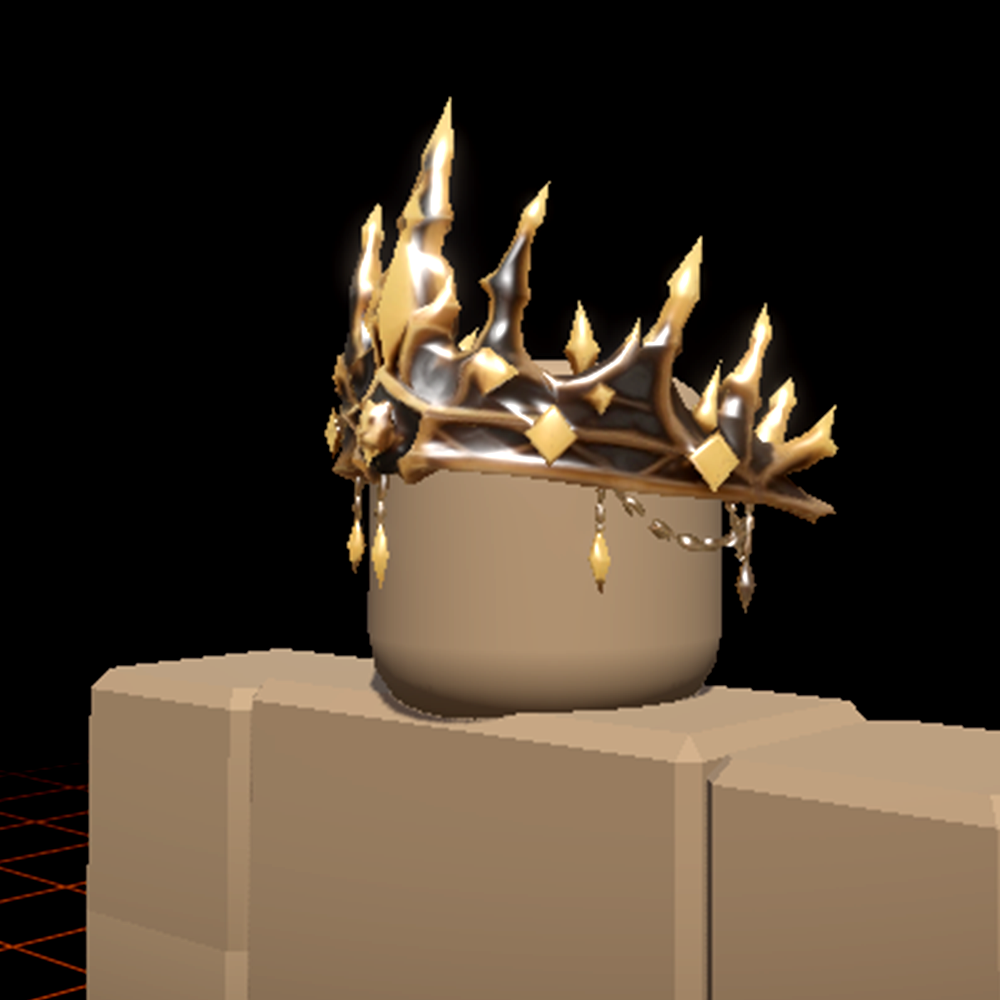
"Roblox UGC crown, gilded lion motif, jeweled inlays, ornate fantasy royal design, isolated background."