
Comparison

Tripo vs Meshlox
for Roblox UGC

Tripo is a fast, flexible general-purpose 3D generator. Meshlox is built end-to-end around the Roblox workflow. Here's how they compare on what actually matters.

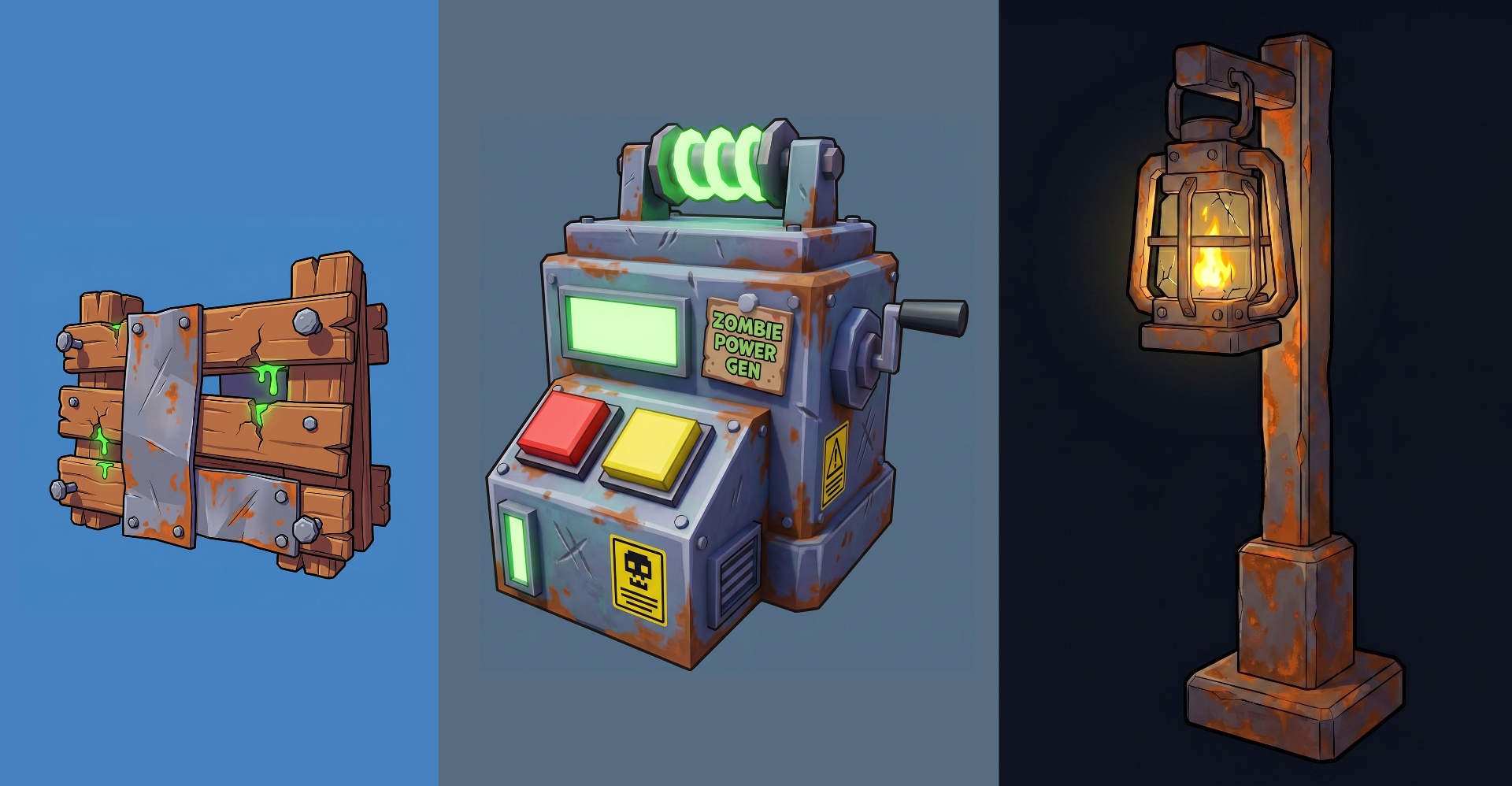
Meshlox AI-generated Roblox low-poly UGC accessories

The short version

Tripo is a strong general-purpose AI 3D generator with fast generations and a broad style range. It works across Unity, Unreal, Blender, web 3D and Roblox. Meshlox goes narrow and deep on Roblox — chunky low-poly defaults, a Studio plugin, and icon/thumbnail generation in the same studio so your whole asset bundle ships from one place.

Feature comparison

FeatureMeshloxTripo
Roblox-tuned defaults & promptsgeneral 3D
Roblox Studio pluginfirst-party
Text-to-3D
Image-to-3D
Game icon generation (512×512)
Thumbnail generation (1280×720)
Export FBX / OBJ / GLB
Credits that never expiremonthly reset
Free tierstarter creditsdaily credits
Iteration / re-roll texture only
Style range beyond low-polyRoblox-focused
Auto-rigging for general engines

Where Tripo wins

  • • Wider style range across realistic and stylized 3D
  • • Strong free tier with daily credits
  • • Better fit for Unity, Unreal, and web 3D pipelines
  • • Auto-rigging for non-Roblox engines

Where Meshlox wins

  • • Roblox-tuned output — passes UGC review more often
  • • First-party Studio plugin for one-click insertion
  • • Icon + thumbnail generation built in
  • • Credits never expire
  • • Iteration loop: re-roll texture without regenerating mesh

Pricing model

Tripo offers a generous free tier with daily credits, and paid plans on a monthly subscription with resetting credit pools. That's a great fit for daily generators.

Meshlox uses one-time credit packs that never expire, plus an optional Studio plan. It's friendlier for burst usage — UGC drops, game launches, seasonal events — and you never lose what you paid for.

Which one should you pick?

Pick Meshlox if

  • • You publish Roblox UGC or build Roblox games
  • • You want one-click insertion via a Studio plugin
  • • You need 3D + icons + thumbnails in one studio
  • • You generate in bursts and want credits that don't expire

Pick Tripo if

  • • You work across many engines and 3D pipelines
  • • You want a strong free tier for daily experimentation
  • • You need realistic or hard-surface output styles
  • • Roblox is one of many platforms you target

You can also use both — Tripo for general 3D, Meshlox for Roblox-specific drops. Start with the Meshlox starter credits if you want to test the Roblox-tuned workflow first.

Tripo vs Meshlox FAQs

Keep exploring