
Comparison

Meshy vs Meshlox
for Roblox creators

Both are AI 3D generators. Only one is built around Roblox's visual language, UGC review process, and Studio workflow. Here's the honest breakdown.

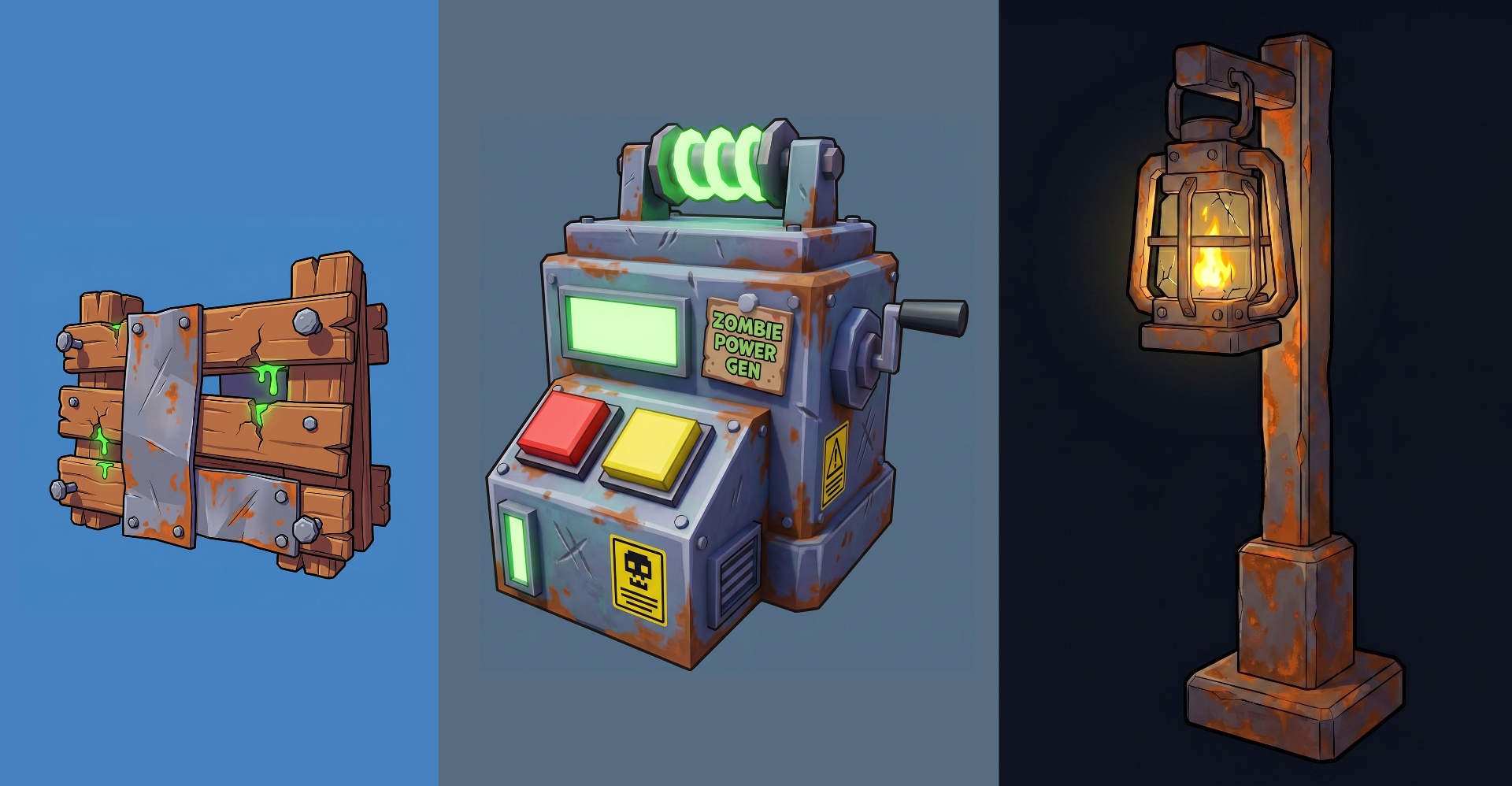
Meshlox AI-generated Roblox low-poly accessories grid

The short version

Meshy is a mature, general-purpose AI 3D generator used across game engines, 3D printing and product visualization. It does a lot well and is not Roblox-specific. Meshlox is built entirely around the Roblox UGC pipeline — prompt tuning, low-poly defaults, a first-party Studio plugin, and integrated icon and thumbnail generation in the same studio.

If you're shipping Roblox accessories, games or marketplace items, the rest of this page will help you choose. If you're doing general 3D for Unity, Unreal or 3D printing, Meshy is still a great pick — we won't pretend otherwise.

Feature comparison

FeatureMeshloxMeshy
Roblox-tuned defaults & promptsgeneral 3D
Roblox Studio pluginfirst-party
Text-to-3D
Image-to-3D
Game icon generation (512×512)
Thumbnail generation (1280×720)
Export FBX / OBJ / GLB
Credits that never expiremonthly reset
One-time credit packs
Iteration / re-roll texture only
PBR textures
Rigging / animationRoblox handles rigging

Where Meshy wins

  • • Broader output styles — realistic, hard-surface, props for Unity/Unreal
  • • Built-in rigging and animation generation
  • • Larger model library and longer track record
  • • Strong for 3D printing and product visualization

Where Meshlox wins

  • • Roblox-tuned defaults — low-poly silhouettes, UGC-friendly geometry
  • • First-party Roblox Studio plugin (no Blender round-trips)
  • • Icons + thumbnails generation built into the same studio
  • • Credits never expire, no forced monthly subscription
  • • Iteration workflow — re-roll texture without regenerating mesh

Pricing model

Meshy runs on monthly subscription tiers with credits that reset at the end of the billing cycle. If you don't generate enough in a month, those credits are lost.

Meshlox sells one-time credit packs that never expire, plus an optional Studio plan for daily power users. The math favors creators who generate in bursts — game launches, UGC drops, event-driven content — instead of every single day.

Which one should you pick?

Pick Meshlox if

  • • You ship Roblox UGC, games, or marketplace items
  • • You want a Studio plugin instead of Blender exports
  • • You need icons and thumbnails alongside 3D
  • • You'd rather buy credits once than subscribe monthly

Pick Meshy if

  • • Most of your output goes to Unity, Unreal, or 3D printing
  • • You need built-in rigging and animation
  • • You generate daily and want a large monthly credit pool
  • • Roblox is a side use-case, not your main platform

No tool is universally "better". Pick the one that matches your platform. If you're not sure, the Meshlox starter credits let you test the Roblox workflow without committing.

Meshy vs Meshlox FAQs

Keep exploring