
How to Create a Roblox Gamepass in 2026 (Step-by-Step + Pricing Tips)
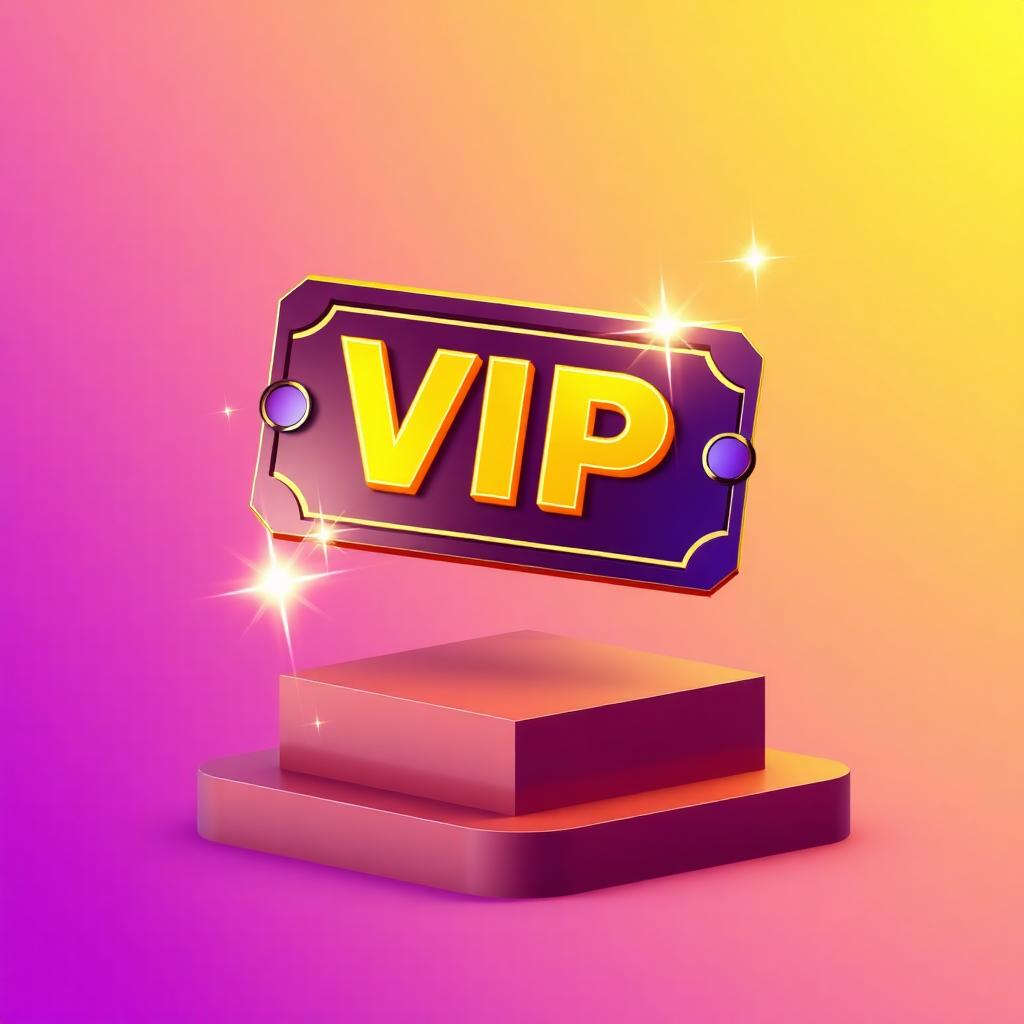
Gamepasses are the most reliable way to monetize a Roblox game. A single well-designed VIP pass can outearn ads, sponsors, and developer products combined. This guide walks you through creating a Roblox Gamepass in 2026 — designing the icon, uploading it, scripting the rewards, and pricing it for maximum revenue.
What is a Roblox Gamepass?
A Gamepass is a one-time purchase that gives a player a permanent perk inside your game — VIP access, a special weapon, 2x coins, a private server, etc. Unlike Developer Products (consumables), a player buys a Gamepass once and owns it forever.
Roblox takes a 30% cut of every sale, plus a Marketplace fee on the buyer's side. You receive Robux that can be converted to USD via the Developer Exchange (DevEx) at the current rate.
Best Gamepass ideas that actually sell
- VIP / Premium — chat tag, exclusive lobby, daily bonus.
- 2x Coins / XP — the highest-converting pass in almost every game.
- Skip Wait — bypass timers, queues, or cooldowns.
- Exclusive Cosmetic — a sword, pet, or skin only pass holders own.
- Private Server — host a match with friends.
The pattern: passes that give time or status outperform passes that give raw power. Pay-to-win passes hurt retention.
Step 1 — Design the Gamepass icon
Roblox requires a 512×512 px icon. This is the single image players see before they click "Buy" — it has to look premium.
Open Meshlox Icon Studio, pick the Gamepass (512×512) preset, and try a prompt like:
- "Glowing golden VIP ticket with sparkles, purple gradient background, 3D Roblox style"
- "Crystal sword with neon blue trail, premium game icon, centered composition"
- "Stack of golden coins with 2X badge, bright cinematic lighting"
Generate 4 variations, pick the one with the strongest silhouette, download the PNG.
Step 2 — Upload the Gamepass to Roblox
- Go to the Roblox Creator Hub (create.roblox.com).
- Open your experience → Monetization → Passes.
- Click Create a Pass, upload your 512×512 icon.
- Give it a name and a 1-sentence description.
- Click Create Pass.
Wait for moderation — it usually takes a few minutes. Once approved, click the pass and copy its Asset ID. You'll need that number in the script.
Step 3 — Set a price (and how to price right)
After moderation, set the price. Roblox enforces a minimum (currently 25 Robux). Pricing tiers that work in 2026:
- 49 Robux — impulse buys. Best for small perks.
- 99 Robux — sweet spot for VIP / 2x passes in casual games.
- 199 Robux — premium passes in popular games.
- 499+ Robux — only for games with established audiences and significant value.
Rule of thumb: a Gamepass should pay back its cost in perceived value within the first session.
Step 4 — Script the Gamepass rewards
Place this Script inside ServerScriptService. Replace GAMEPASS_ID with the number you copied:
local MarketplaceService = game:GetService("MarketplaceService")
local Players = game:GetService("Players")

local GAMEPASS_ID = 123456789

local function grantReward(player)
    -- Example: give 2x coins
    local stats = player:FindFirstChild("leaderstats")
    if stats and stats:FindFirstChild("Multiplier") then
        stats.Multiplier.Value = 2
    end
end

Players.PlayerAdded:Connect(function(player)
    local hasPass = false
    local ok, result = pcall(function()
        return MarketplaceService:UserOwnsGamePassAsync(player.UserId, GAMEPASS_ID)
    end)
    if ok and result then
        hasPass = true
        grantReward(player)
    end
end)

MarketplaceService.PromptGamePassPurchaseFinished:Connect(function(player, id, purchased)
    if purchased and id == GAMEPASS_ID then
        grantReward(player)
    end
end)
This checks ownership when the player joins AND listens for new purchases during the session.
Step 5 — Add a purchase prompt button
Inside your shop UI, add a button that opens the purchase prompt:
local MarketplaceService = game:GetService("MarketplaceService")
local Players = game:GetService("Players")

buyButton.MouseButton1Click:Connect(function()
    local player = Players.LocalPlayer
    MarketplaceService:PromptGamePassPurchase(player, GAMEPASS_ID)
end)
Place this in a LocalScript inside the button.
Step 6 — Promote your Gamepass
- Add a sparkling NPC seller in the lobby with a "Buy VIP" prompt.
- Show a one-time popup on first join — never on every join, that's spam.
- Mention the pass in your game thumbnails ("NEW VIP!").
- Add a leaderboard tag (⭐ or 👑) for pass holders — social proof drives sales.
Step 7 — Understand the payout
If a player buys a 100 Robux Gamepass, you receive 70 Robux after Roblox's 30% cut. Once your balance is high enough, you can convert via DevEx. The current DevEx rate is around $0.0035 per Robux — check the Creator Hub for the live number.
FAQ
Can I change a Gamepass price later?
Yes, anytime. Existing owners keep their pass.
Can I refund a Gamepass?
Players have a short refund window after purchase. After that, refunds are case-by-case via Roblox support.
How many Gamepasses should a game have?
3–6 is the sweet spot. One VIP, one multiplier, and 1–3 cosmetic or convenience passes.
What's the difference between a Gamepass and a Developer Product?
Gamepass = permanent, one-time purchase. Developer Product = consumable, can be bought repeatedly (coins, gems, revives).
Next steps
Design your Gamepass icon in Meshlox Icon Studio, then read our companion guides on building Roblox Studio UI and creating high-CTR thumbnails.
Ready to generate your first model?
Open Meshlox Studio in your browser — no install, no Blender.